What to do after optimization?
The Route Planner App's primary focus is to optimize the routes and stops for you to get the optimum output of your money and time.
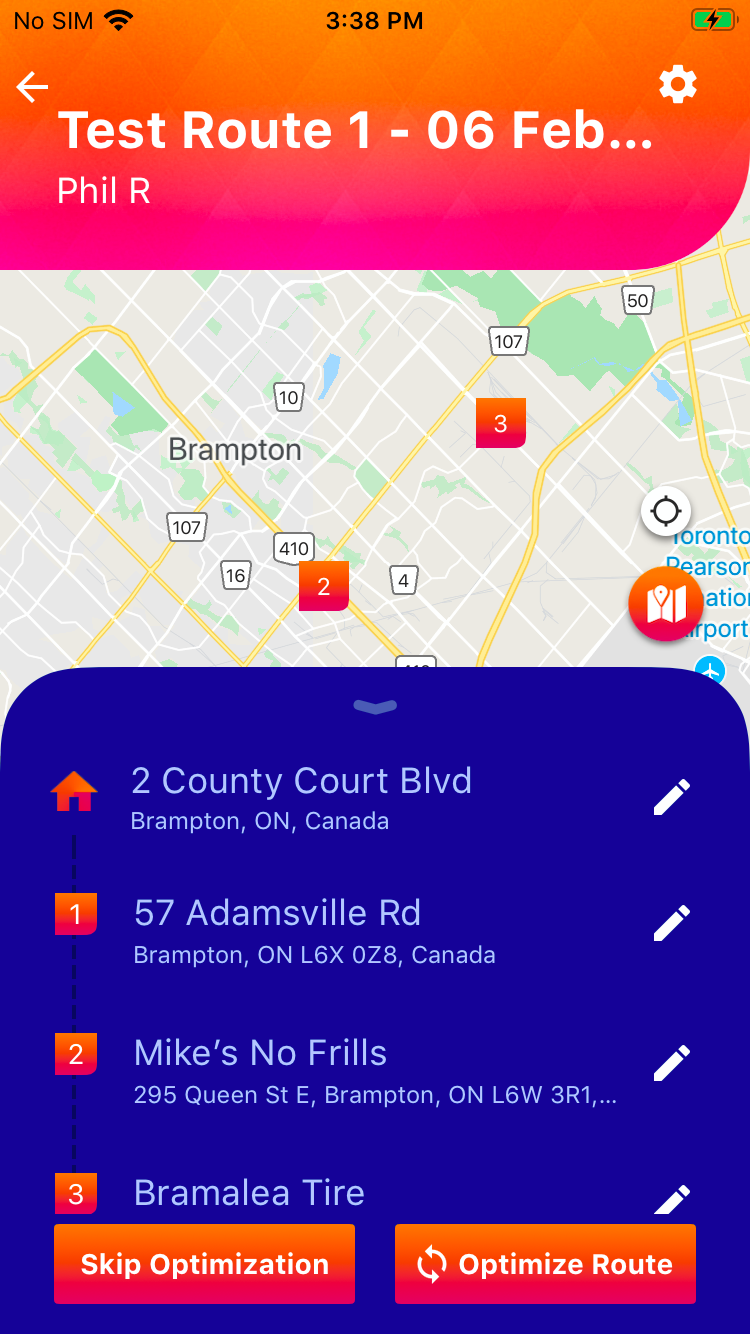
Once you create a route,
- Click on the button
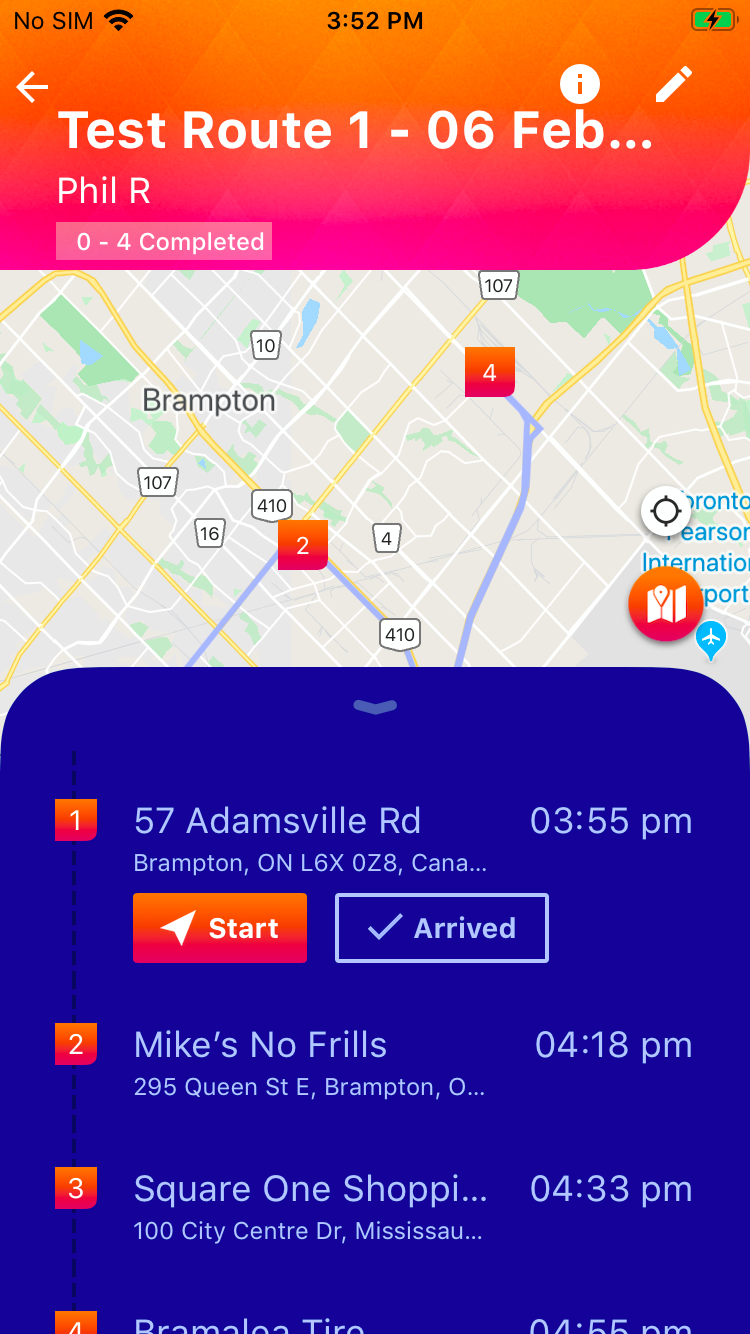
- Click on the button
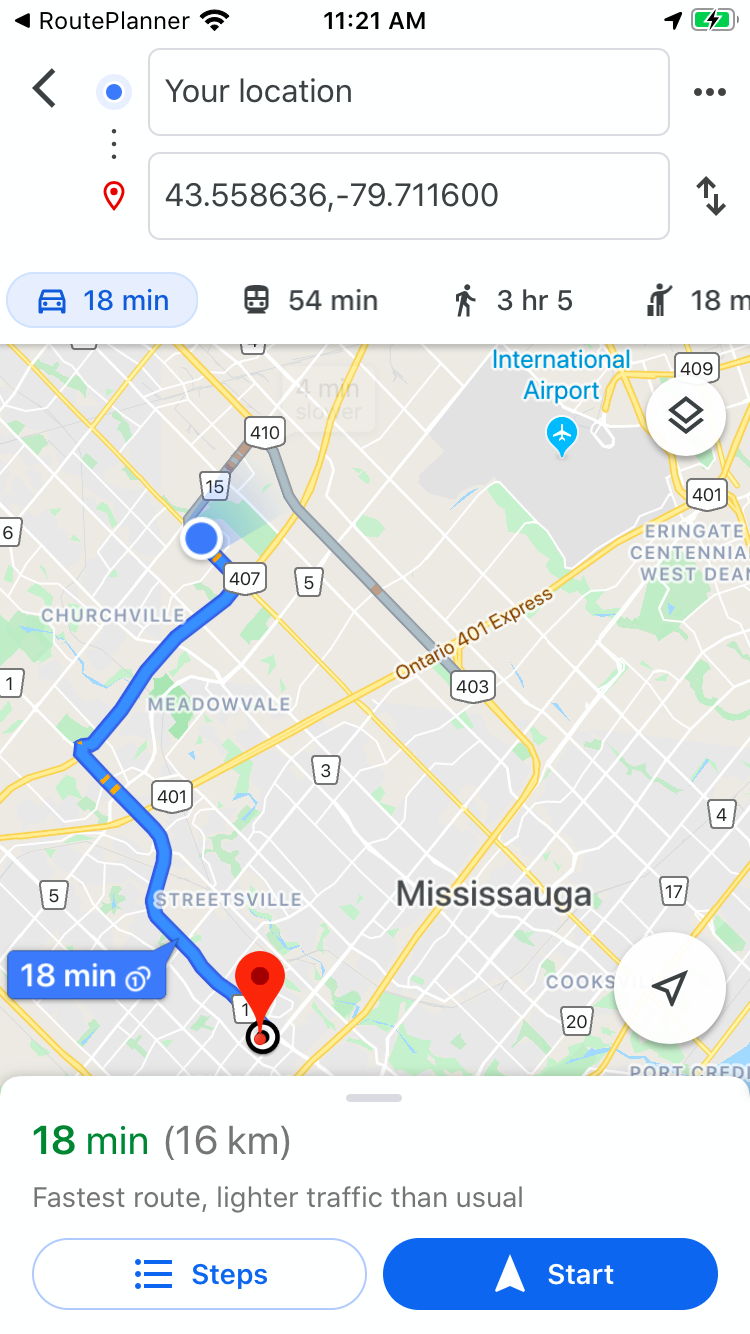
- Click on the button to start the navigation in the chosen map application on your device to the first "stop"
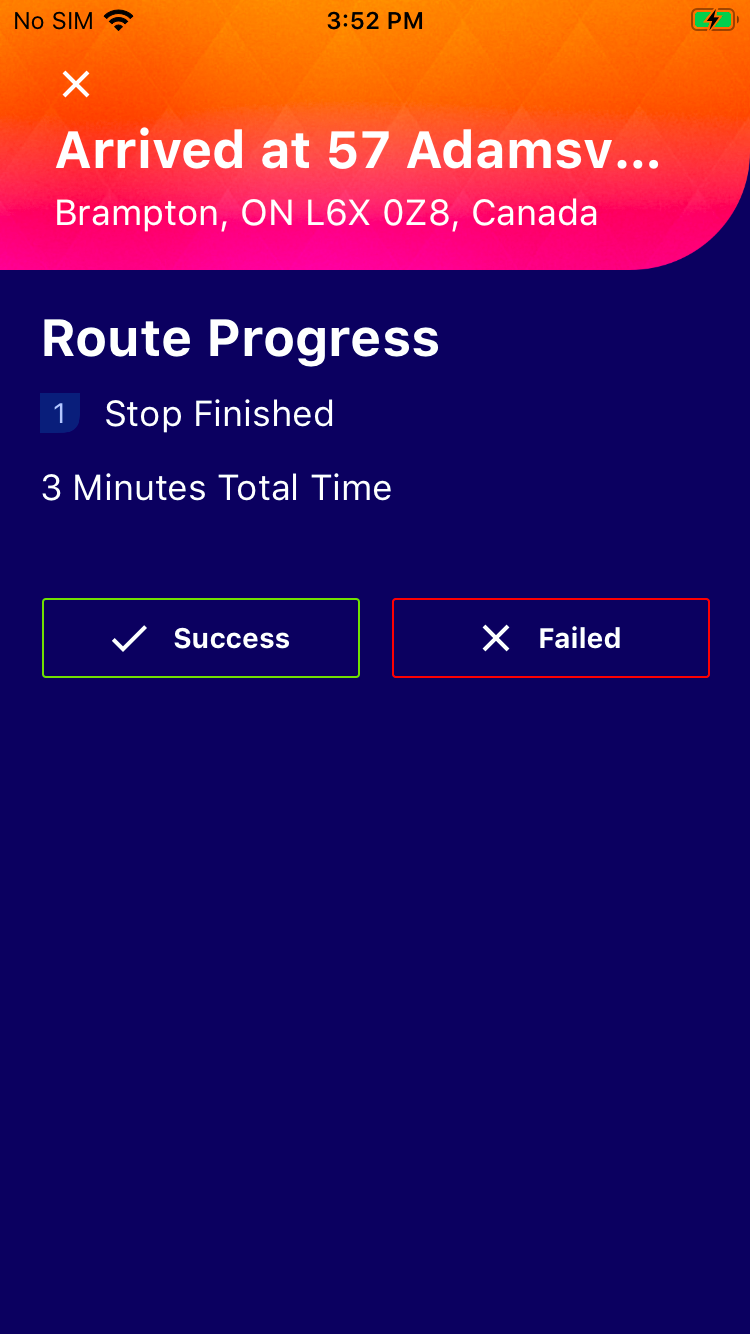
- When you arrive at the "stop", go back to the Route Planner App, and click on the
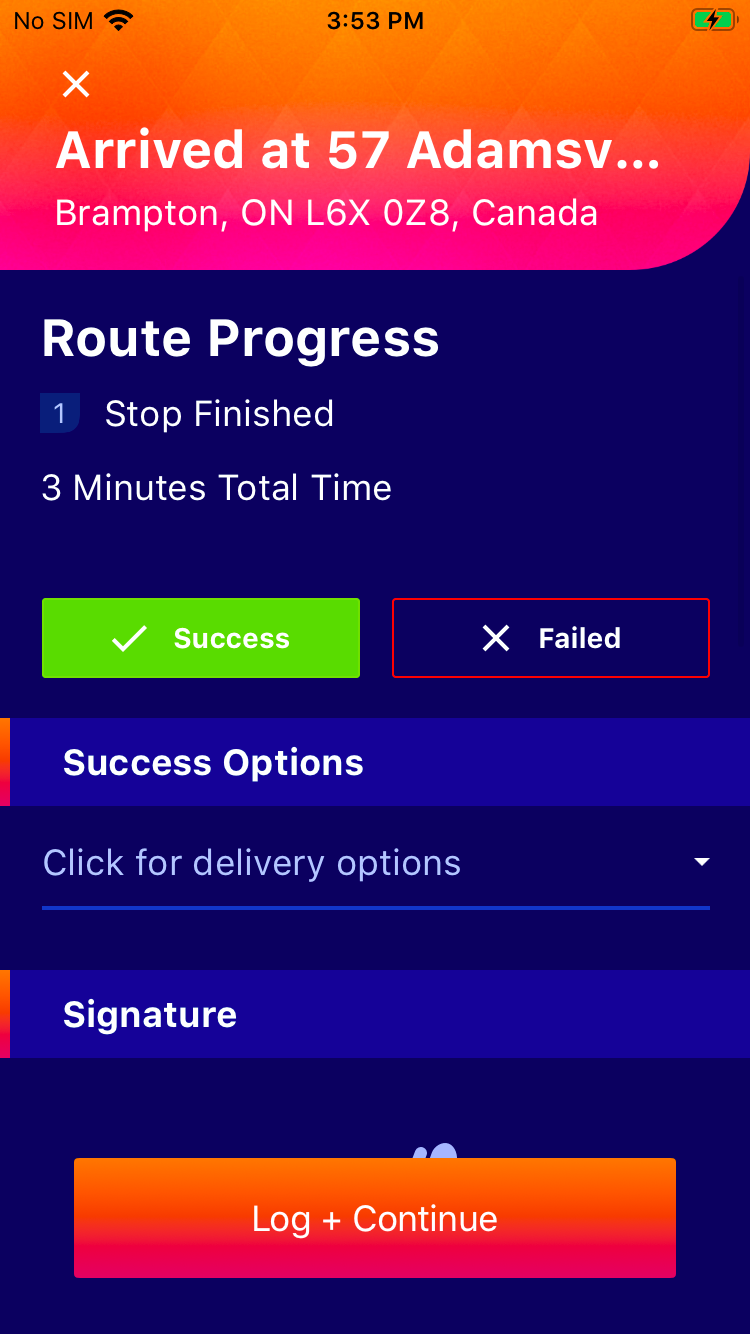
- Click on either "Success" or "Failed" delivery status accordingly
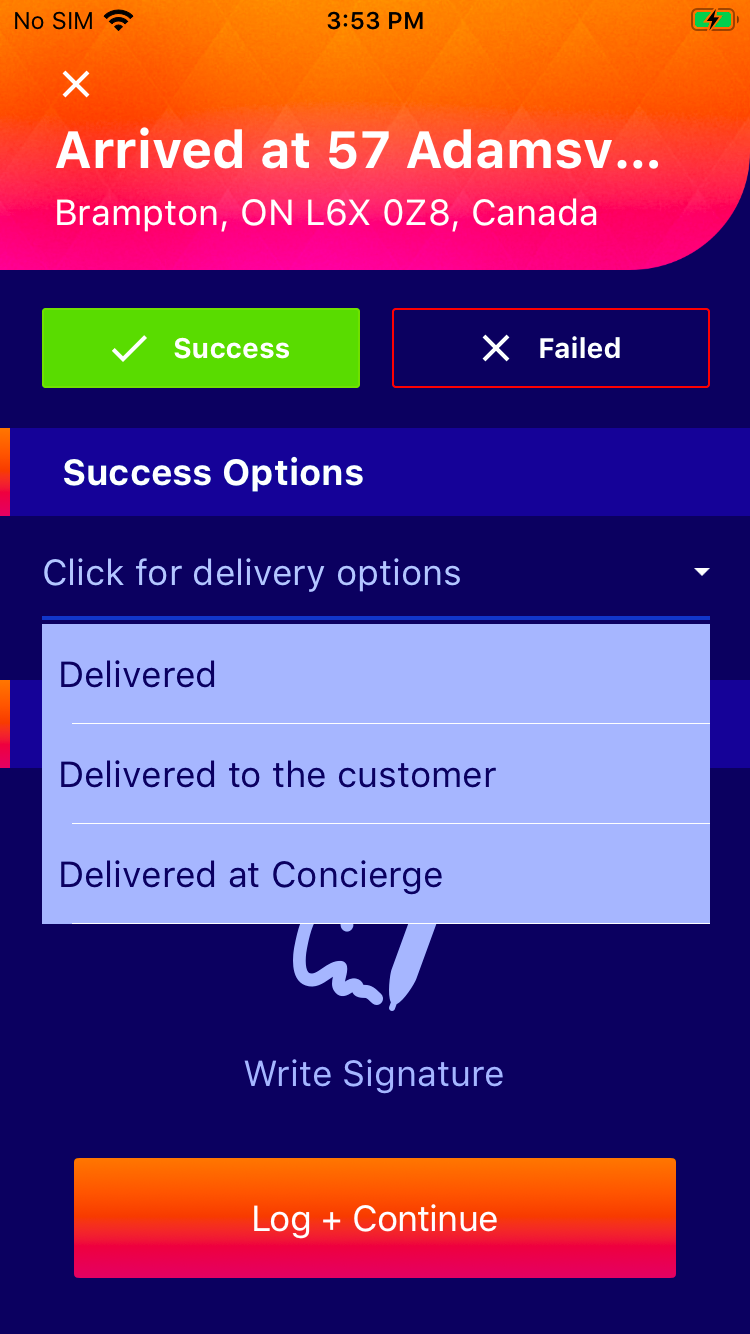
- If you click "Success", click on the dropdown and choose the appropriate option
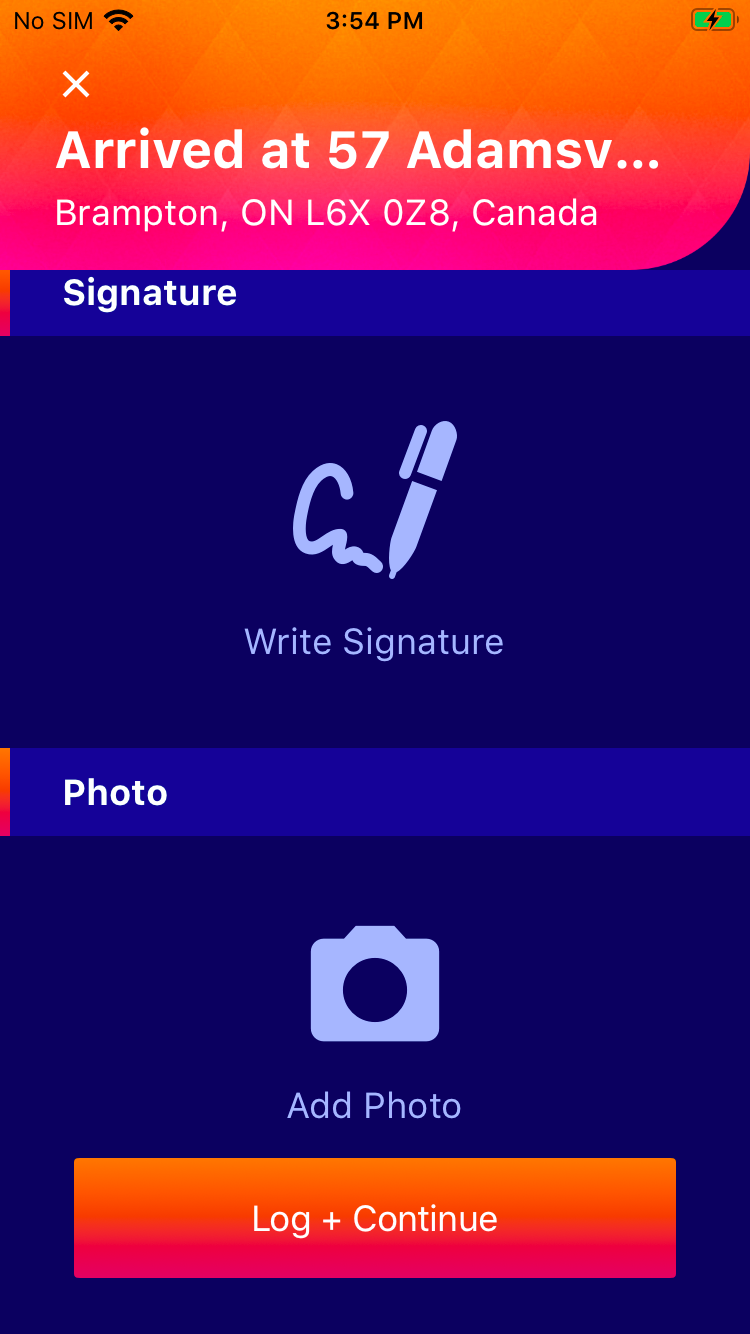
- Scroll down for the Signature, Photo and Notes option*
- When done, click and continue to your next stop.
 button
 button
 button to start the navigation in the chosen map application on your device to the first "stop"
| Step 1 | Step 2 |
Step 3 |
Step 4 |
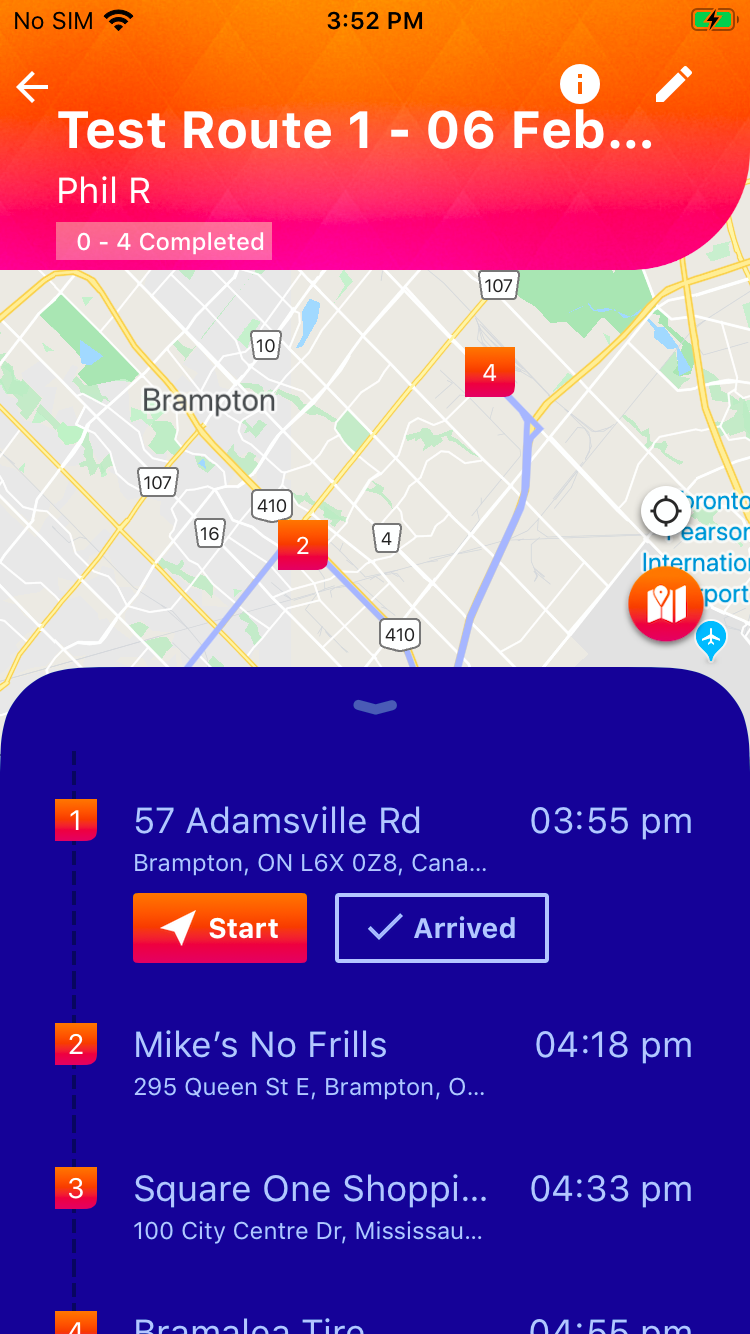
| Step 5 |
Step 6 |
Step 7 |
Step 8 |