How do I change my Password?
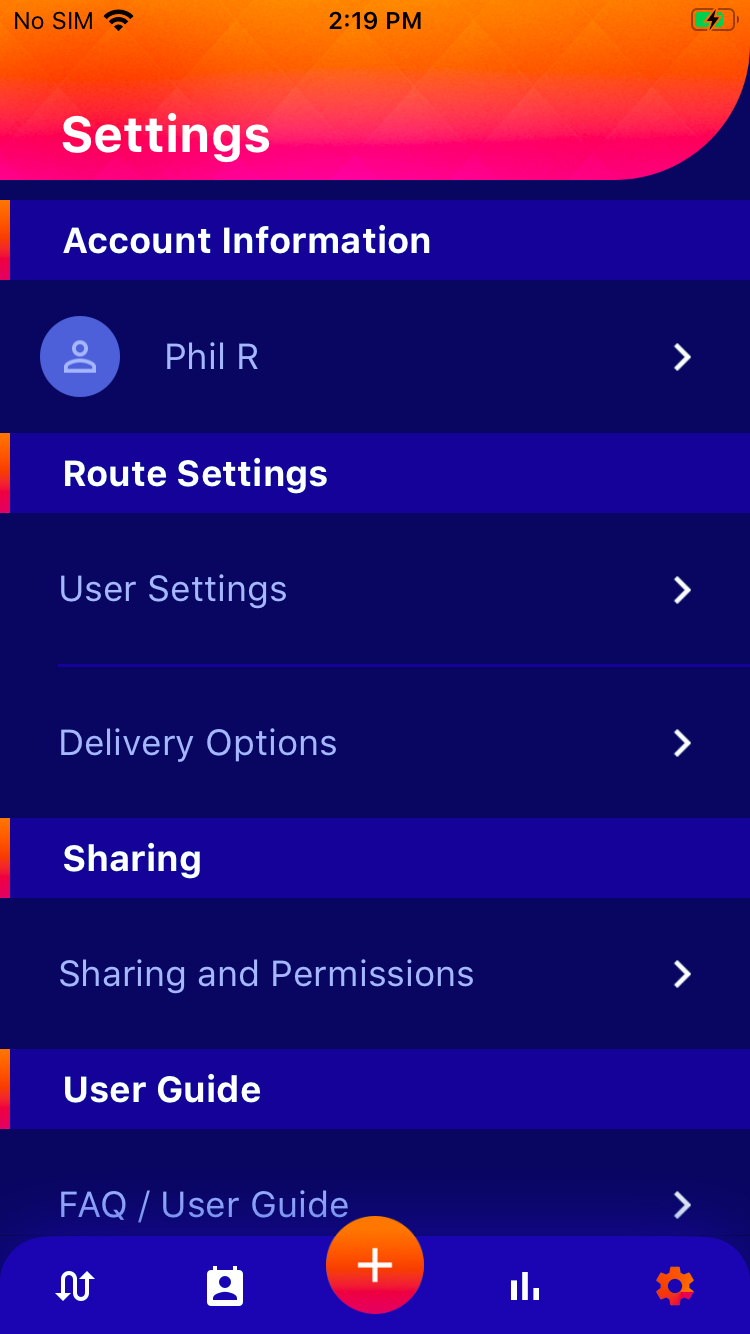
You can change the account details and personal information by clicking on the Settings/gear iconon the bottom right of the page.
 on the bottom right of the page.
When on the settings page,
- Click on your account name under "Account Information"
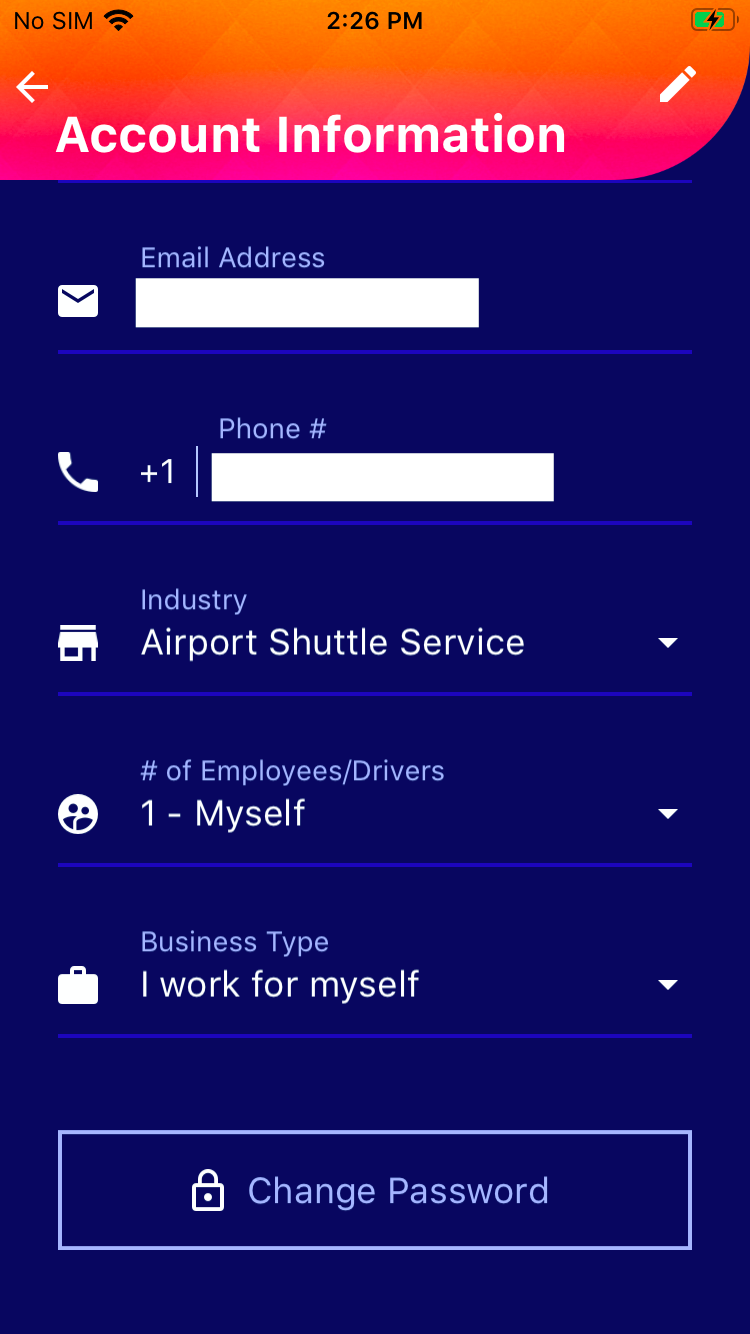
- Click on the "Change Password" button
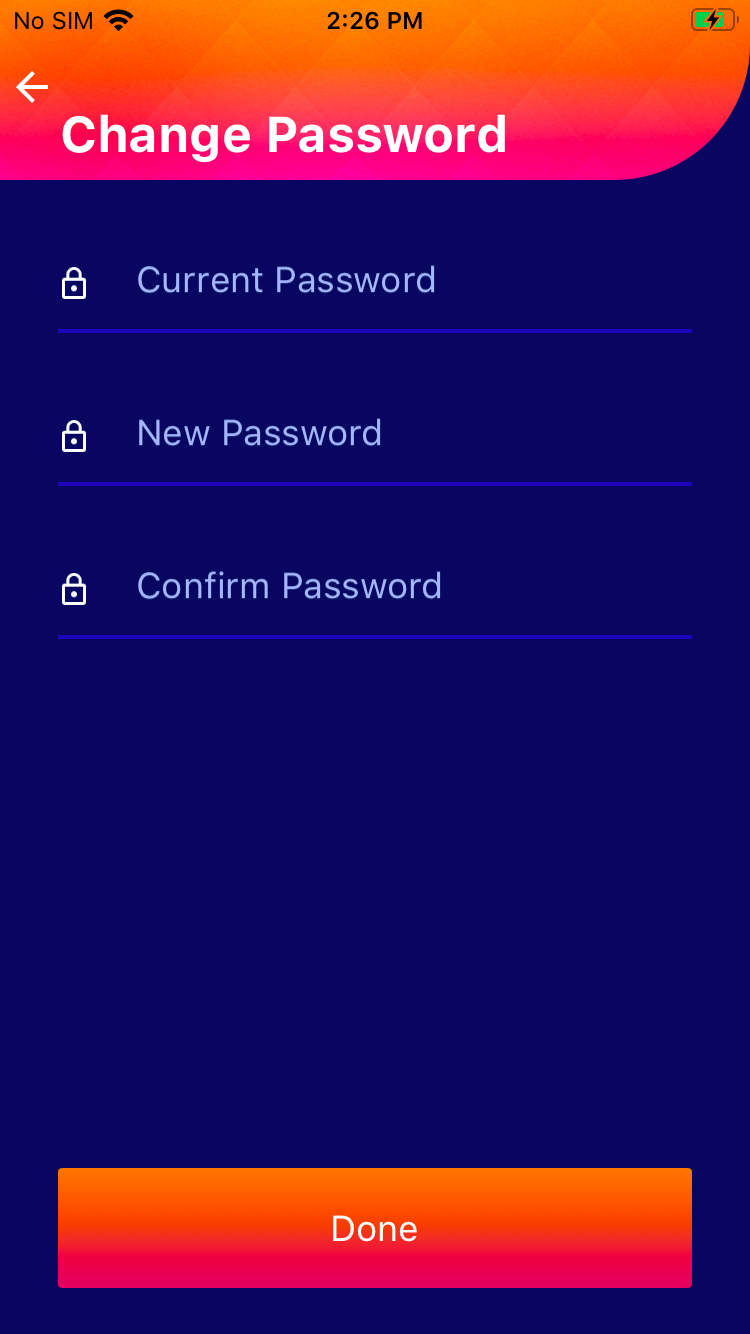
- Follow the instructions to change the password
- Click Done
|
|