What are the Delivery Options and How do I Set Them?
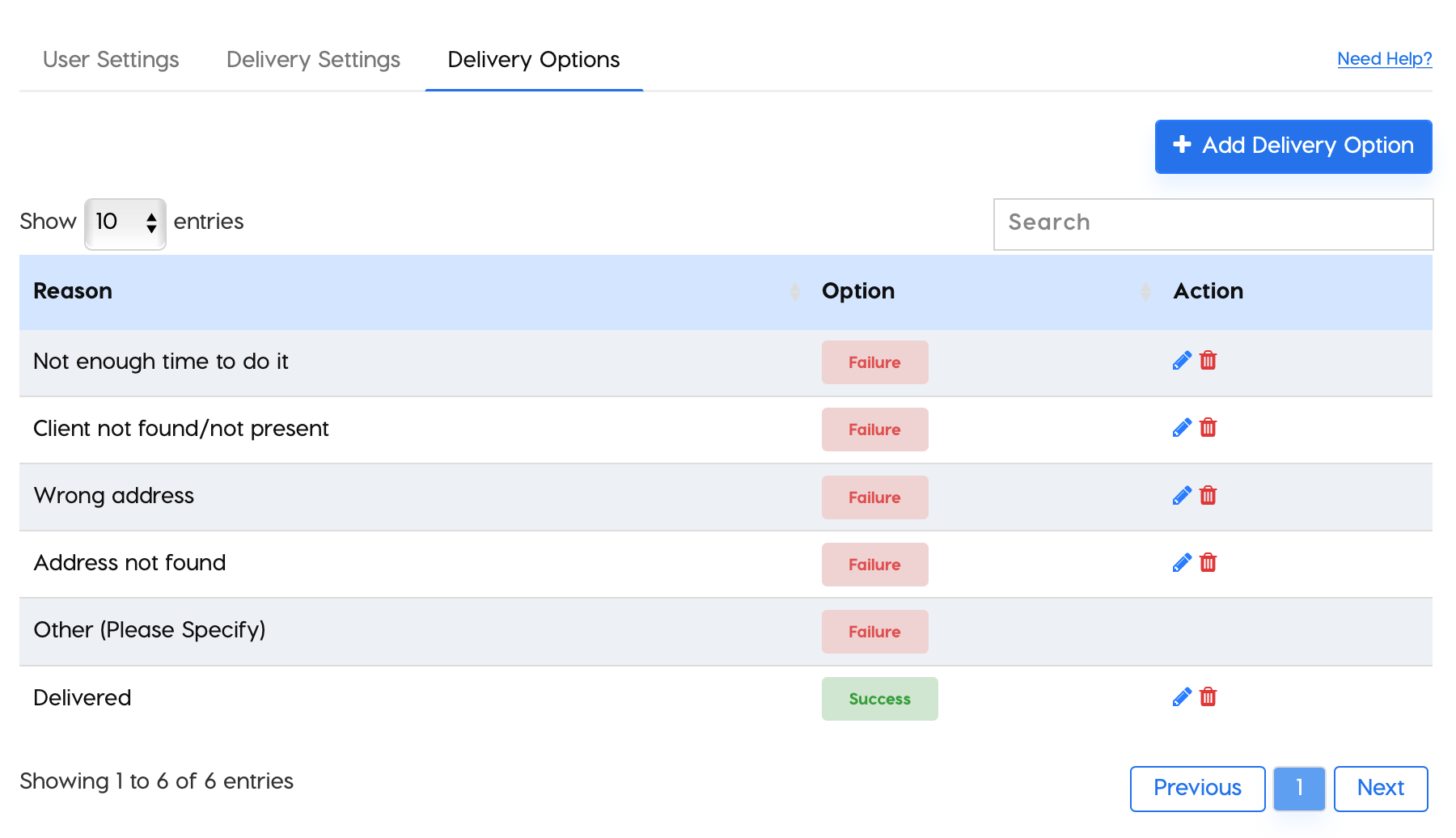
Delivery options can be found in the settings tab on the main app. The system gives you success + failure options upon arrival at your stops. You can select and customize the delivery options on success or failure with multiple dropdown options. Here you can also set the “Log Options” where you can set if you want to take notes, take a signature and/or a photo of the delivery.
To access these settings,
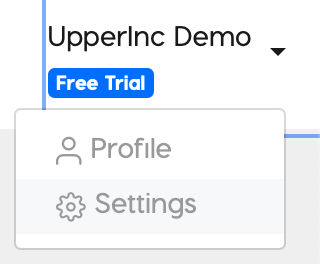
- Click on the Setting Link in the top right of the page
- Select Delivery Options
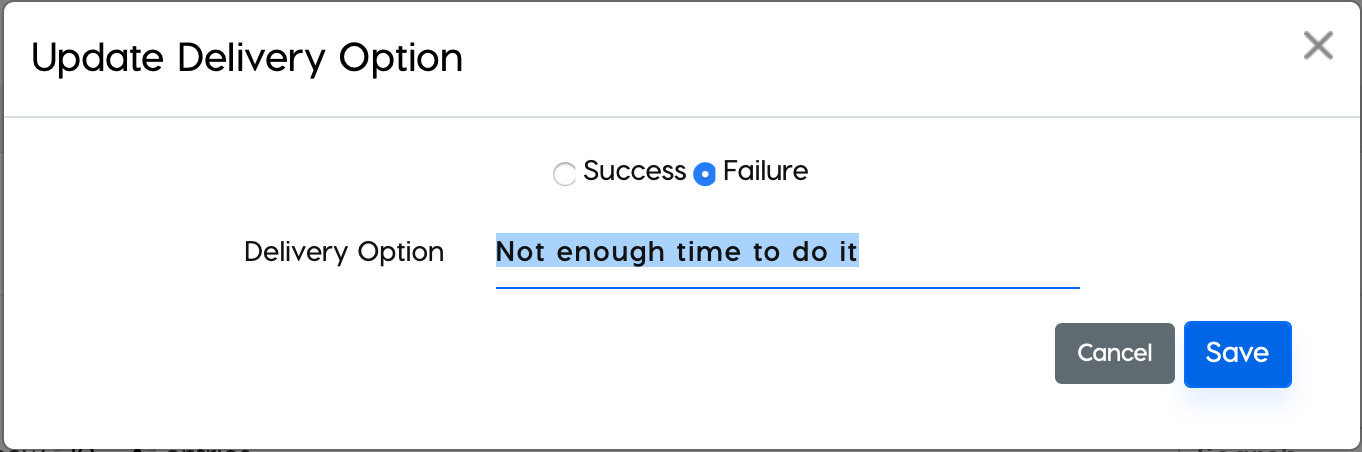
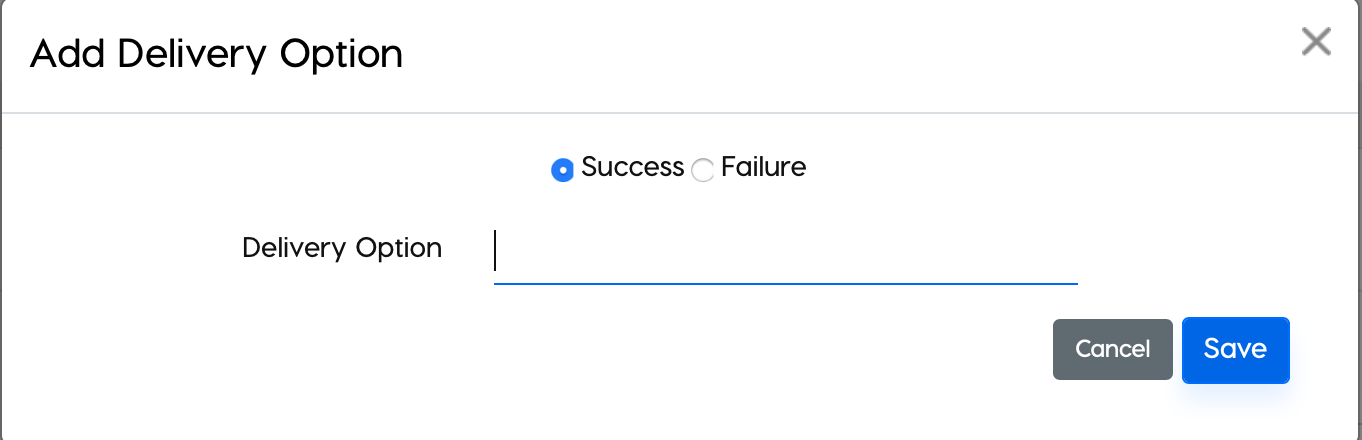
- From here you can add new options, delete, or edit Success+Failure options